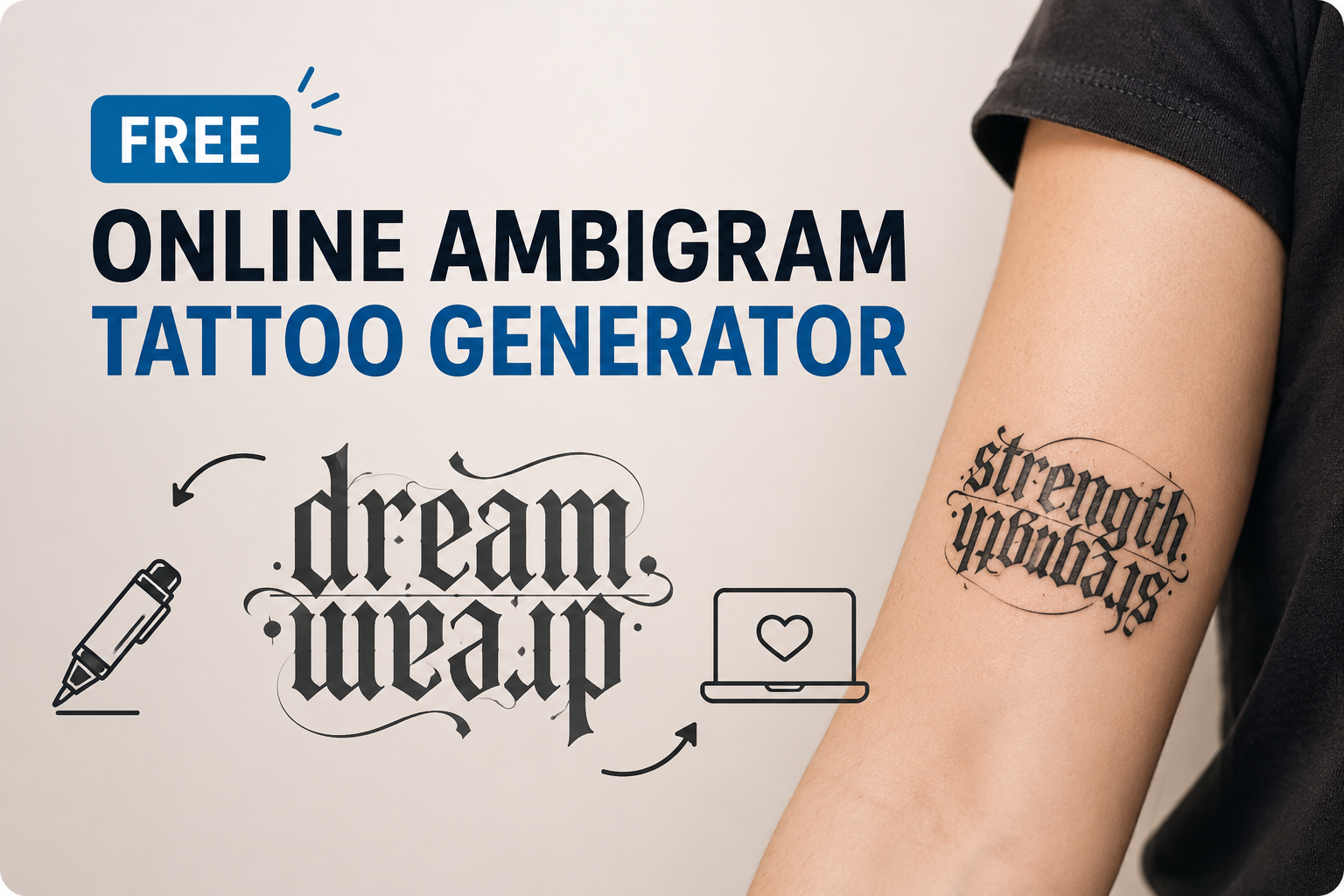
Free Online Ambigram Tattoo Generator: Create a Design That Reads Both Ways

By Olivia Hart
MyClaw Editorial
Free Ambigram Tattoo Generator
Create Your Ambigram Tattoo
Turn a name, word, or meaningful phrase into a custom ambigram concept—online and free to try.
Generate My Ambigram TattooAI Takeaway
- Can you make an ambigram tattoo online for free? Yes. A browser-based tool can create a one-word or two-word starting point without an app, although complex lettering usually takes several attempts.
- Which words work best? Short words, names, and pairs of similar length are easier to balance. Letter shapes and the intended transformation matter more than meaning alone.
- How do you know whether the result works? Read it upright, rotate it exactly 180 degrees, reduce it to the intended tattoo size, and ask someone else to identify both readings without hints.
- Is an AI ambigram ready to tattoo? No. Treat it as a visual concept. A tattoo artist should refine the spacing, line weight, placement, and final stencil.
What an Ambigram Tattoo Generator Actually Makes
An ambigram is lettering designed to remain meaningful after a visual transformation. In the tattoo version most people recognize, a word reads correctly in its normal position and becomes the same word—or a different one—when rotated 180 degrees.
That is more demanding than choosing a dramatic typeface because one stroke may need to serve two letters. A successful result must solve a structural lettering problem, not merely restyle the text.
An online AI image generator can explore shapes that a fixed font library may not contain, but the output still needs a deliberate brief and careful visual checking.
Rotational, mirror, and two-word ambigrams
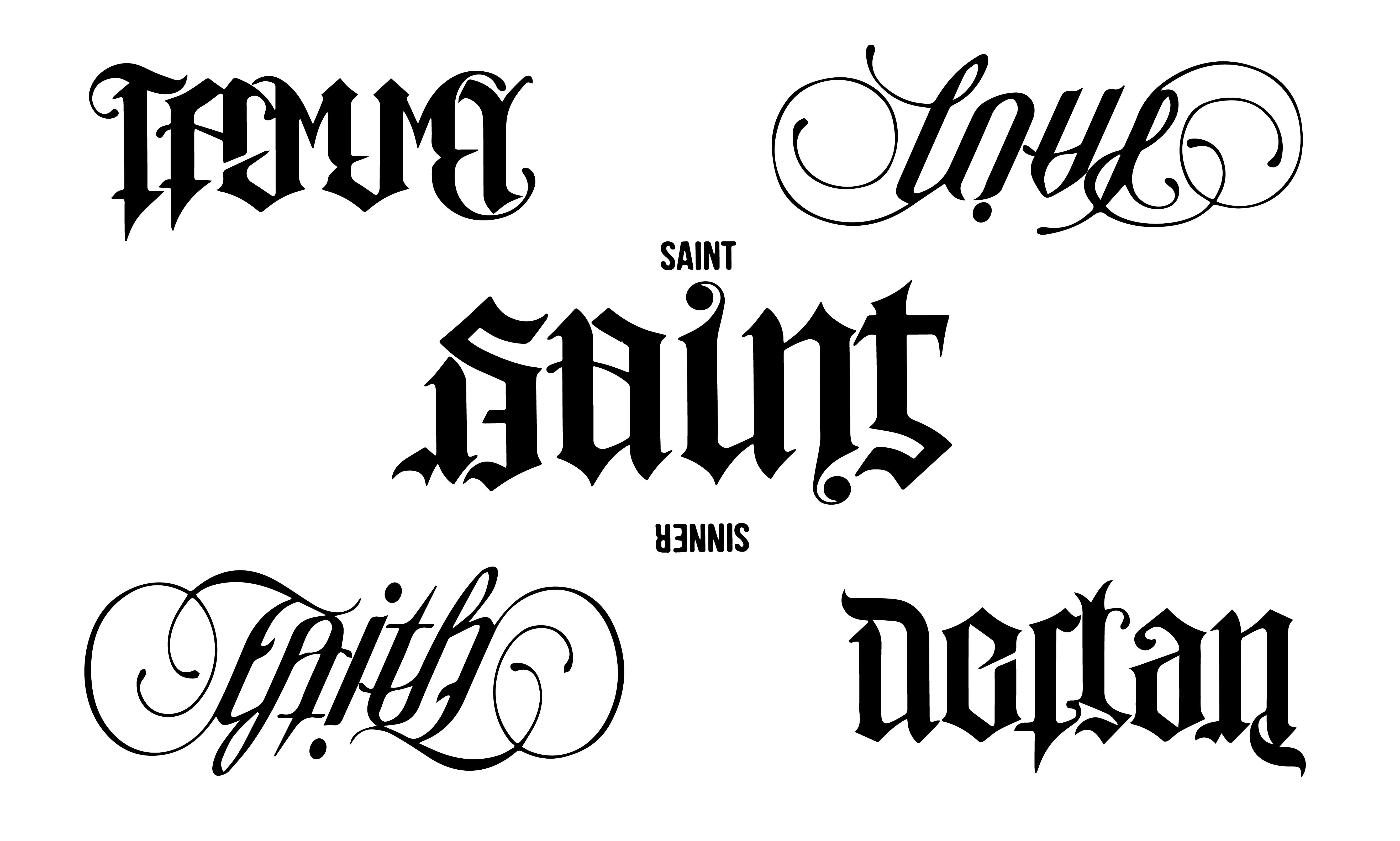
A rotational ambigram changes when turned, usually by 180 degrees. A mirror ambigram reveals its second reading in reflection. A two-word ambigram shows one word before the chosen transformation and another afterward. Decide which behavior you want before generating; “make it symmetrical” is not precise enough.
Why a tattoo font is not automatically an ambigram
Gothic, script, blackletter, and ornamental fonts can make a tattoo feel dramatic, but style does not create reversibility. If the second reading disappears after rotation, the result is decorative lettering rather than a working ambigram. Test the transformation first. Add flourishes only after both readings are clear.
Choose Words That Can Survive a 180-Degree Turn
Start with one short word or a balanced pair
Short words leave more room to reshape individual letters without turning the design into a knot. Names, initials, and compact ideas such as “love,” “faith,” or “hope” are sensible starting points. For a two-word ambigram generator, pairs with similar lengths are usually easier to balance than combinations with very different numbers of letters.
For names of very different lengths, try a nickname, initials, or a meaningful shorter form. Choose the wording that survives the transformation.
Decide what the second view should reveal
Write down three decisions before opening a free ambigram generator:
- The exact upright reading, including spelling and capitalization
- The exact rotated or mirrored reading
- The visual direction, such as restrained blackletter, clean monoline, bold stencil, or ornamental script
If the same word should appear both ways, say so explicitly. If one name should turn into another, specify which name is upright and which appears after a 180-degree rotation. This prevents a visually attractive result from solving the wrong problem.

How to Use an Ambigram Tattoo Generator Online
Write the prompt like a lettering brief
Image models respond better to constraints than to “a cool ambigram.” Identify the text, transformation, style, contrast, background, and unwanted elements. The MyClaw guide to GPT Image 2 prompts explains the broader approach.
For one word, start with:
Create a 180-degree rotational ambigram of the exact word “[WORD].” It must read “[WORD]” both upright and upside down. Use bold black tattoo lettering, high contrast, balanced negative space, and limited ornament. Show the design flat on a plain light background. No skin, body mockup, watermark, or extra text.
For two words, use:
Create a two-way rotational ambigram that reads “[WORD A]” upright and “[WORD B]” after a 180-degree rotation. Preserve the exact spelling of both words. Use compact black-ink lettering with clear counters, consistent stroke weight, and minimal flourishes. Present only the flat design on a plain light background.
Generate variants and change one constraint at a time
The first generation may look convincing while quietly changing a letter. Create alternatives, then adjust one variable: shorten the wording, simplify the style, increase stroke weight, remove flourishes, or clarify the letter boundaries.
If you want to test a specific image model, the GPT Image 2 generator provides a focused starting point. Regardless of the model, compare versions based on readability rather than visual complexity.
Judge readability before decoration
Use this order:
- Confirm every letter in the upright reading.
- Rotate the image exactly 180 degrees and confirm the second reading.
- Reduce the image to roughly the intended tattoo size.
- Check that counters and negative spaces remain open.
- Ask someone unfamiliar with the concept to read both views.
Do not explain what the design is supposed to say before the test. An unprompted answer is much stronger evidence than agreement after a hint.
Design Your Ambigram Tattoo with MyClaw Tattoo Generator
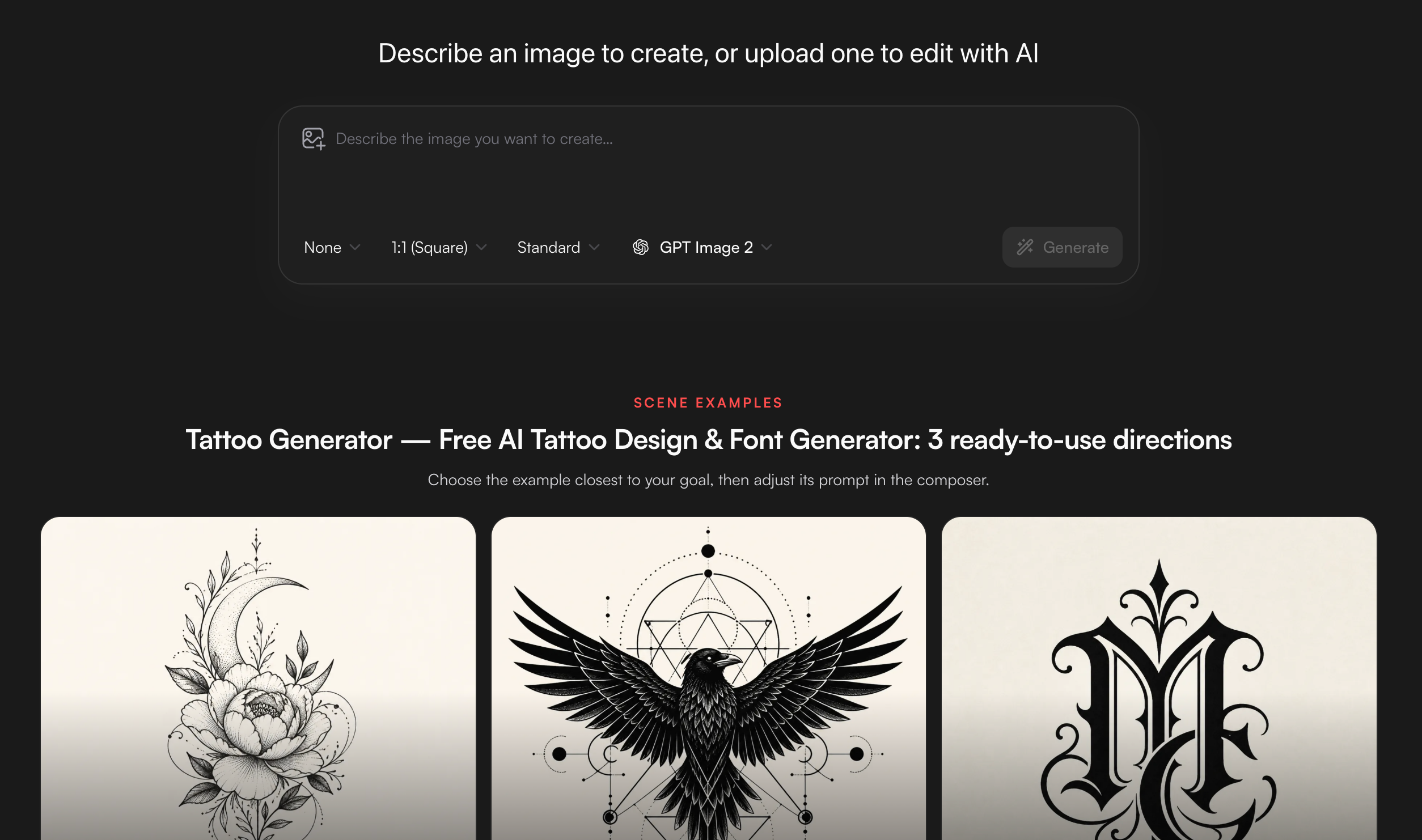
Once your words and review criteria are clear, the MyClaw Tattoo Generator gives you a focused place to explore custom lettering, ambigram concepts, script directions, and high-contrast designs. Limited guest image generation is available without a credit card, but generation limits apply, so give each attempt a clear purpose.
1. Open the Tattoo Generator and define both readings
Enter your exact word or pair, specify a 180-degree rotational or mirror design, and add a controlled style such as bold blackletter or clean monoline.
2. Generate, rotate, and refine the clearest version
Rotate the output 180 degrees in an image viewer and inspect every letter. If either reading breaks, request heavier strokes, fewer flourishes, or shorter wording.
3. Download the final concept and take it to a tattoo artist
Save the strongest version as a reference. Ask the artist to correct ambiguous letterforms, adapt it to the placement, and prepare the final stencil.
Make the Design Tattoo-Ready Before You Ink It
Test both orientations at the intended size
A design that works large may fail when reduced. Print it near the planned size or display it at that scale on your phone. View it both ways from a normal distance; if it depends on zooming, simplify it.
Placement changes the reading. A forearm rotates easily, while a chest or back design has a more fixed viewpoint. Curved areas can distort the silhouette, so decide how the body will reveal the second meaning.
Check line weight, spacing, and negative space
Thin gaps, tiny counters, and crowded intersections can lose clarity. Ask which spaces need to open, which strokes need more weight, and whether the design works at the chosen size. Remove any clever detail that makes a letter uncertain.
Let the tattoo artist rebuild the final stencil
An AI-generated image is a concept, not a production file. The artist should correct the geometry, adapt it to the body, and prepare the stencil. In two-name ambigrams, even a small adjustment can improve one reading while damaging the other.
Online Generator or Ambigram Tattoo Generator App?
You do not need an ambigram tattoo generator app for a first attempt. A browser tool is faster for trying words and downloading a reference. An app helps when you edit repeatedly on a phone or need its project storage.
| Consideration | Online generator | Mobile app |
|---|---|---|
| Setup | Opens immediately in a browser | Requires installation |
| Quick experiments | Usually the better choice | Useful after setup |
| Mobile convenience | Works if the interface is responsive | Often smoother for repeated phone use |
| Saved projects | Depends on the account and tool | May offer local or account-based storage |
| Offline access | Usually unavailable | Only if the app explicitly supports it |
MyClaw also keeps image creation inside its broader AI Chat workspace, so you can refine the prompt conversationally rather than switching between unrelated tools. If you move beyond limited guest use, review the current AI Chat plans and generation allowances before choosing a paid option.
Final Check Before You Commit to the Tattoo
Before booking the tattoo, make sure all five statements are true:
- Both readings use the correct letters without explanation.
- The ambigram remains readable at the intended tattoo size.
- The silhouette feels balanced in both orientations.
- The words and their relationship still feel meaningful.
- A tattoo artist has approved the linework, placement, and stencil plan.
Start with one short word or balanced pair and generate a few restrained variations. Discard every version that fails the unaided 180-degree test; take only the clearest result to your artist.
Design Your Ambigram Tattoo with MyClaw Tattoo Generator
Generate a personalized ambigram concept, compare both orientations, and take your favorite design to a tattoo artist for final refinement.
Generate My Ambigram Tattoo