dots vs MyClaw

dots brings ongoing AI assistance to ChatGPT. MyClaw gives you a managed OpenClaw or Hermes agent with your choice of supported model providers and messaging channels.

View hosting plans
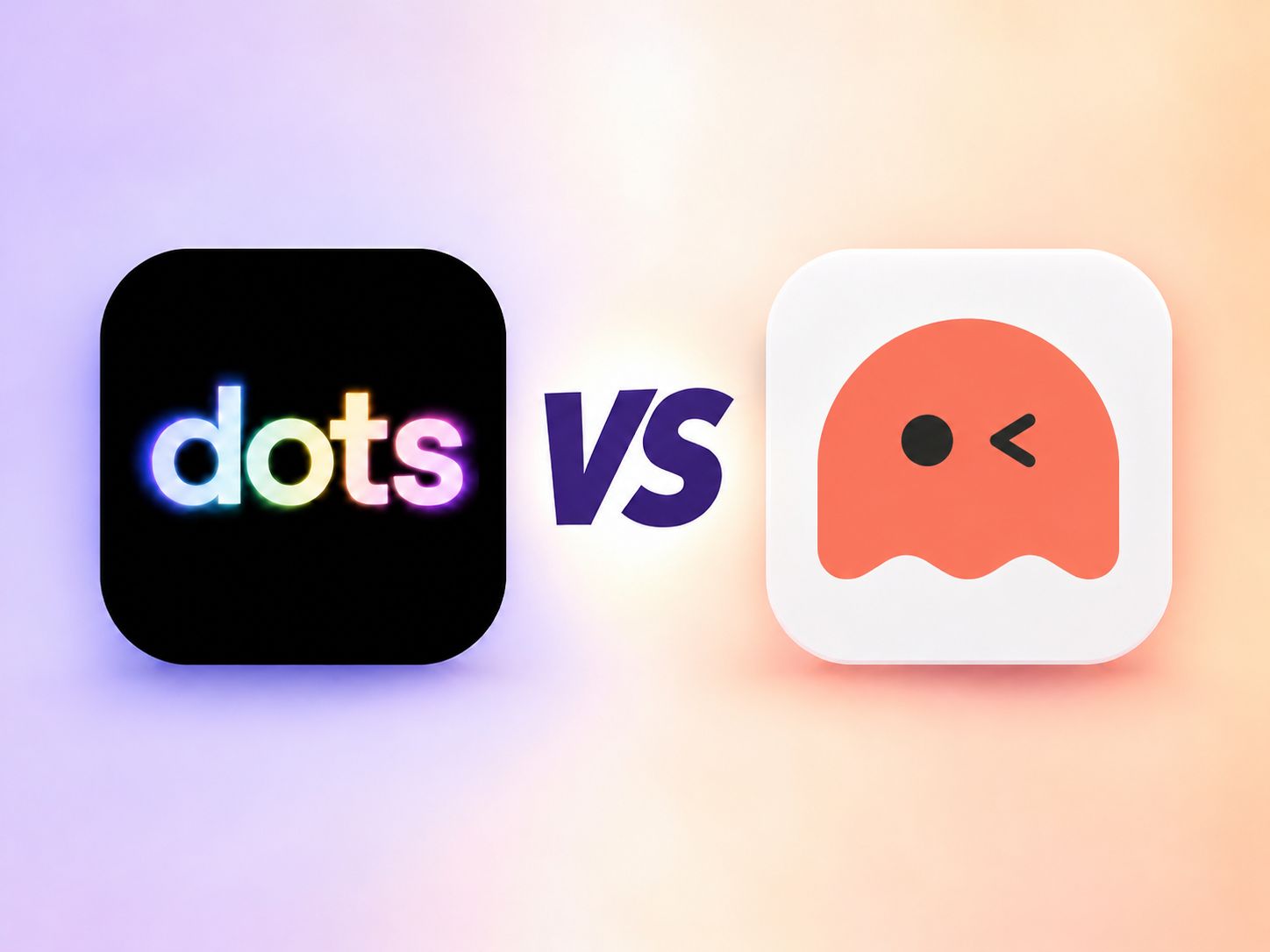
Pastel dots logo on a black tile versus the MyClaw mascot on a white tile

More Choice for Your Always-On Agent

MyClaw handles the hosting while you configure the agent. Weigh that flexibility against the setup options and limits of dots.

dotsby OpenAI

Fewer Ways to Customize Your Agent

Your dot’s models and runtime are managed within ChatGPT. Check its setup options, usage limits, and availability before choosing.

  • Third-party models and your own API keys are not documented setup options
  • OpenClaw and Hermes are not documented runtime choices
  • Delegated Work and Codex tasks draw on their product usage limits
  • Access depends on plan, region, and workspace eligibility

Compare Models, Tools, and Running Costs

Both can work in the cloud between conversations. The main differences are provider choice, runtime control, channels, and billing.

dots and MyClaw personal AI agent comparison
Decision factorMyClawdots
Agent WorkspaceManaged cloud workspace for your OpenClaw or Hermes agent.An ongoing agent in ChatGPT, with its own cloud computer.
Model ProvidersChoose supported OpenAI, Anthropic, Google, and other providers.Uses OpenAI models; switching to third-party providers is not documented.
Your Own API KeysAdd keys for supported providers; provider usage is billed separately.Bringing your own model API keys is not documented. ChatGPT plan access applies.
Agent SoftwareChoose OpenClaw or Hermes; MyClaw handles hosting and updates.OpenAI manages the runtime; OpenClaw and Hermes are not documented options.
Background WorkRun ongoing tasks and scheduled workflows in your hosted workspace.Continue work between conversations, with follow-ups and background task delegation.
Tools & SkillsAdd supported integrations and reusable skills for your chosen runtime.Use permitted plugins and cloud tools; local skills require a connected computer.
Messaging ChannelsWeb access plus configured Telegram, WhatsApp, Slack, Discord, and other supported channels.ChatGPT messages and calls, Slack, and Teams. iMessage and Android RCS texting is a U.S. Pro beta.
What You Pay ForHosting subscription plus model and third-party usage. AI tokens are not included in hosting.Eligible ChatGPT plan and work allowances. Delegated Work or Codex tasks use those products’ limits.
Best FitYou want to configure your agent’s providers, runtime, and integrations.You want ongoing assistance connected to ChatGPT context and OpenAI’s tools.

Reviewed November 3, 2026. Availability varies by plan, region, workspace, and configuration. “Not documented” refers to the public sources reviewed. Both services require the relevant tools and permissions for each task.

From Setup to Your First Finished Task

MyClaw manages the cloud hosting. You connect the models and tools, then give your agent a job.

Pick OpenClaw or Hermes

Choose the agent software that fits your tools and workflows. MyClaw takes care of the hosting and updates.

Connect Your Models and Tools

Add a supported model provider, connect the apps you need, and configure access for the work.

Start a Task or Set a Schedule

Ask for a report, research brief, or recurring check. Review results in your workspace or a connected messaging channel.

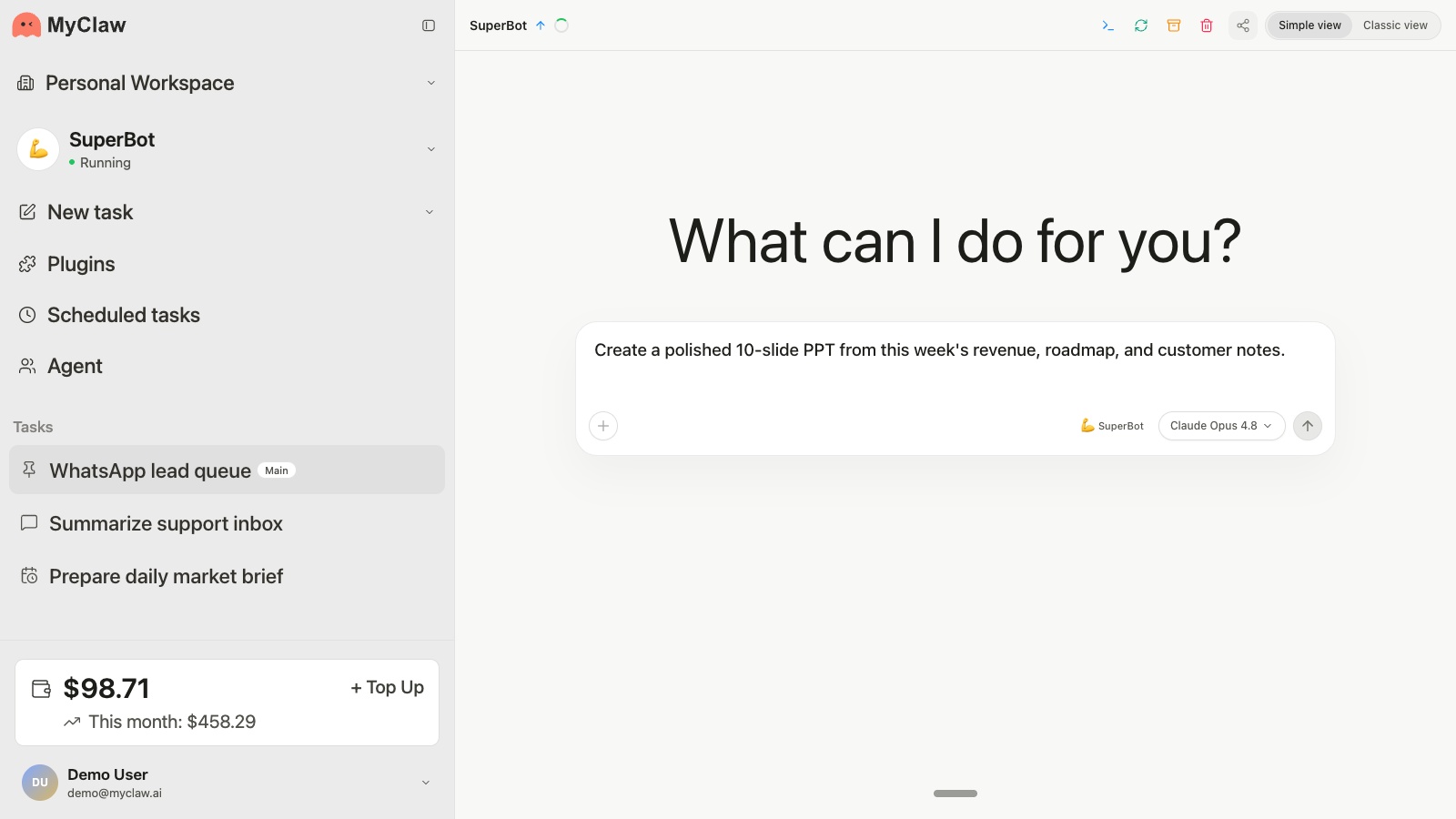
MyClaw agent workspace with conversations, tasks, and settings

Find the Right Model for Your Work

Compare responses to the same prompt in MyClaw AI Chat, then explore supported models for your hosted agent.

AI Chat model availability, tools, and usage limits depend on your account and plan.

Choose the Agent Behind Your Workflow

Both run on MyClaw’s managed cloud hosting. Explore their tools and working styles before choosing.

dots vs MyClaw: FAQ

Practical answers about models, background work, channels, and cost.

Build Your Agent with MyClaw

Start with a hosting plan, connect a supported model, and give your agent its first task.