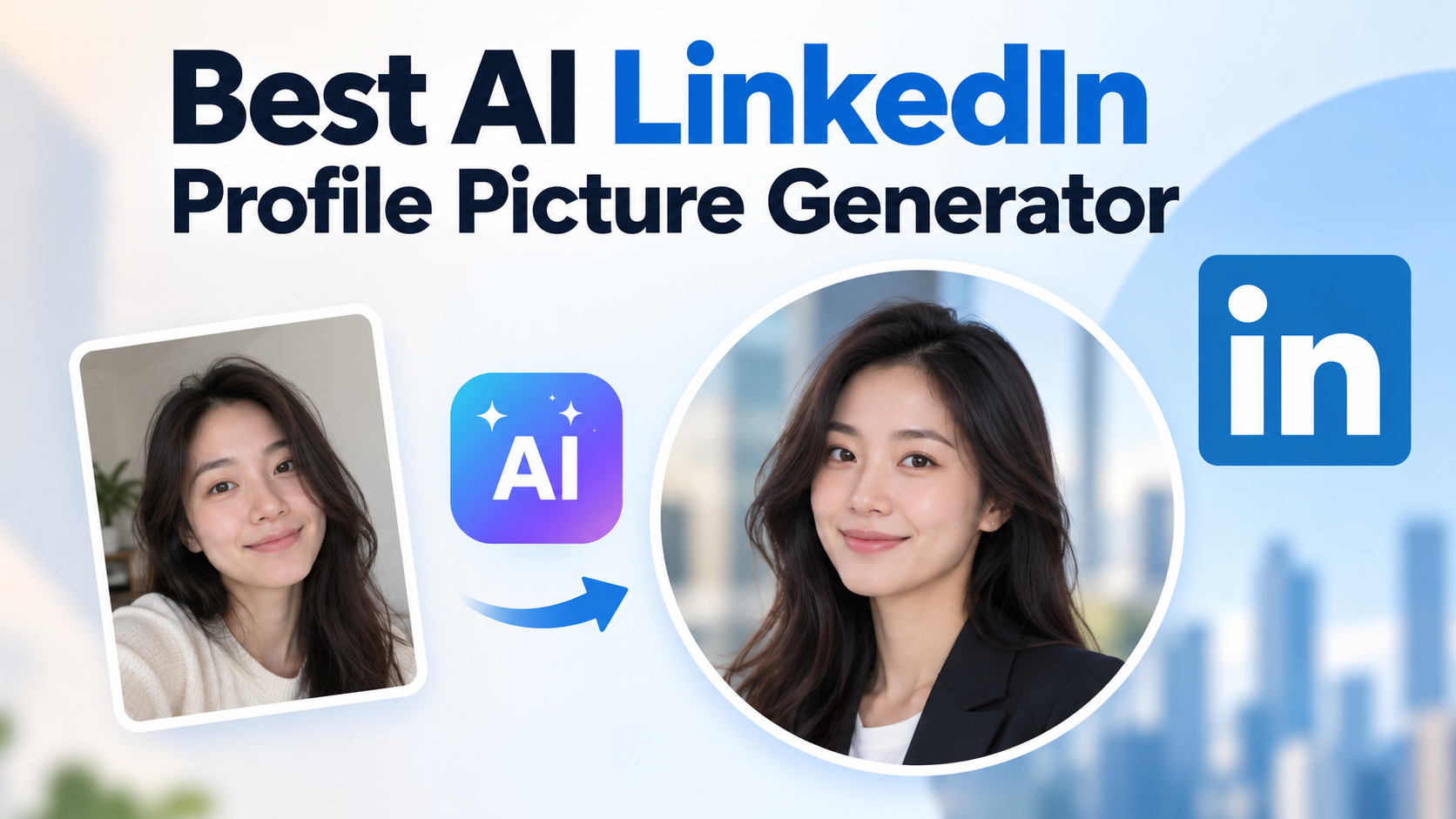
Best AI LinkedIn Profile Picture Generator: Prices, Rules, and Picks

By Julian Brooks
MyClaw Editorial
MyClaw
Run Best-in-Class AI Agents Now
Run OpenClaw or Hermes Agent on managed MyClaw hosting, so your AI agent stays online, updated, and ready for real work.
AI Takeaway
- Which is the best AI LinkedIn profile picture generator? It depends on uploads and privacy. HeadshotPro is the cheapest clean dedicated entry ($29, 1–3 selfies, 30-day auto-delete). Aragon AI wins on volume. MyClaw's LinkedIn headshot tool fits when you only have one selfie and want a free try first.
- Does LinkedIn allow AI headshots? Yes, with one hard limit: the photo must reflect your likeness. LinkedIn removes photos of other people's likenesses and can restrict a profile it judges untruthful.
- What does it cost? Dedicated vendors: about $29 to $79 one-time (vendor pages checked 3 September 2026). MyClaw: free guest try, then AI Chat plan allowances.
- What actually decides quality? Your input selfie(s), and whether the face still looks like you at LinkedIn's 400-pixel circular crop.
What LinkedIn Actually Allows
LinkedIn's own profile-photo help page is clearer than most roundups. An illustration or artistic rendering can be fine, but the photo must reflect your likeness. LinkedIn removes stock imagery, celebrities, fictional characters, logos, animals, and landscapes. Represent yourself truthfully — untruthful profile information can get a profile flagged and restricted.
Synthetic media guidance points the same way: disclose when the altered nature is not obvious. An AI-cleaned version of your own face usually fits. A younger, thinner, or different face is the risk.
File specs: 8MB max, 400×400 minimum up to 7680×4320, PNG or JPG, no GIF. That floor matters more than megapixel marketing. LinkedIn still shows you as a small circle.
MyClaw's LinkedIn headshot prompts keep facial proportions, skin tone, and natural skin detail, then improve lighting, wardrobe, and framing — polish, not a new identity. That is what survives the likeness rule.
The Best AI LinkedIn Profile Picture Generators
Judge tools on price, selfies required, turnaround, what happens to uploads, and redo rights. Third-party roundups still disagree on sticker prices, so the numbers below come from vendor pages and MyClaw's product FAQ only (checked 3 September 2026).
| Tool | Price (checked) | Output / try | Uploads | Turnaround | Deletion / try terms |
|---|---|---|---|---|---|
| MyClaw LinkedIn Headshot | Free guest try; then AI Chat plans | Limited guest generations; paid plans unlock more | 1 clear selfie | About 30 seconds | Guest try without a card; paid plans add broader image generation |
| HeadshotPro | $29 / $39 / $59 | 30 / 50 / 70 headshots | 1–3 selfies | ~2h / ~30 min / ~15 min | Auto-delete after 30 days; download links 7 days; not used to train models |
| Aragon AI | $35 / $45 / $75 | 40 / 60 / up to 100 | 6 clear selfies | 45 / 30 / 15 min | AES-256; account/data deletion available; exact retention not stated on pricing page |
| BetterPic | Free, then $35 / $39 / $79 | Up to 10 free (queued); paid packs above | ~8 reference photos | Queued on free; paid faster | EU/US storage, SOC 2 Type II, ISO 27001, session-only training; precise deletion window not stated |
| Secta Labs | $49 one-time (shown from $99) | Large style set + Remix editing | 20–50 photos | 30–60 minutes | 30-day money-back; skip disputed “200+” portrait counts |
MyClaw LinkedIn Headshot: one selfie, free to try
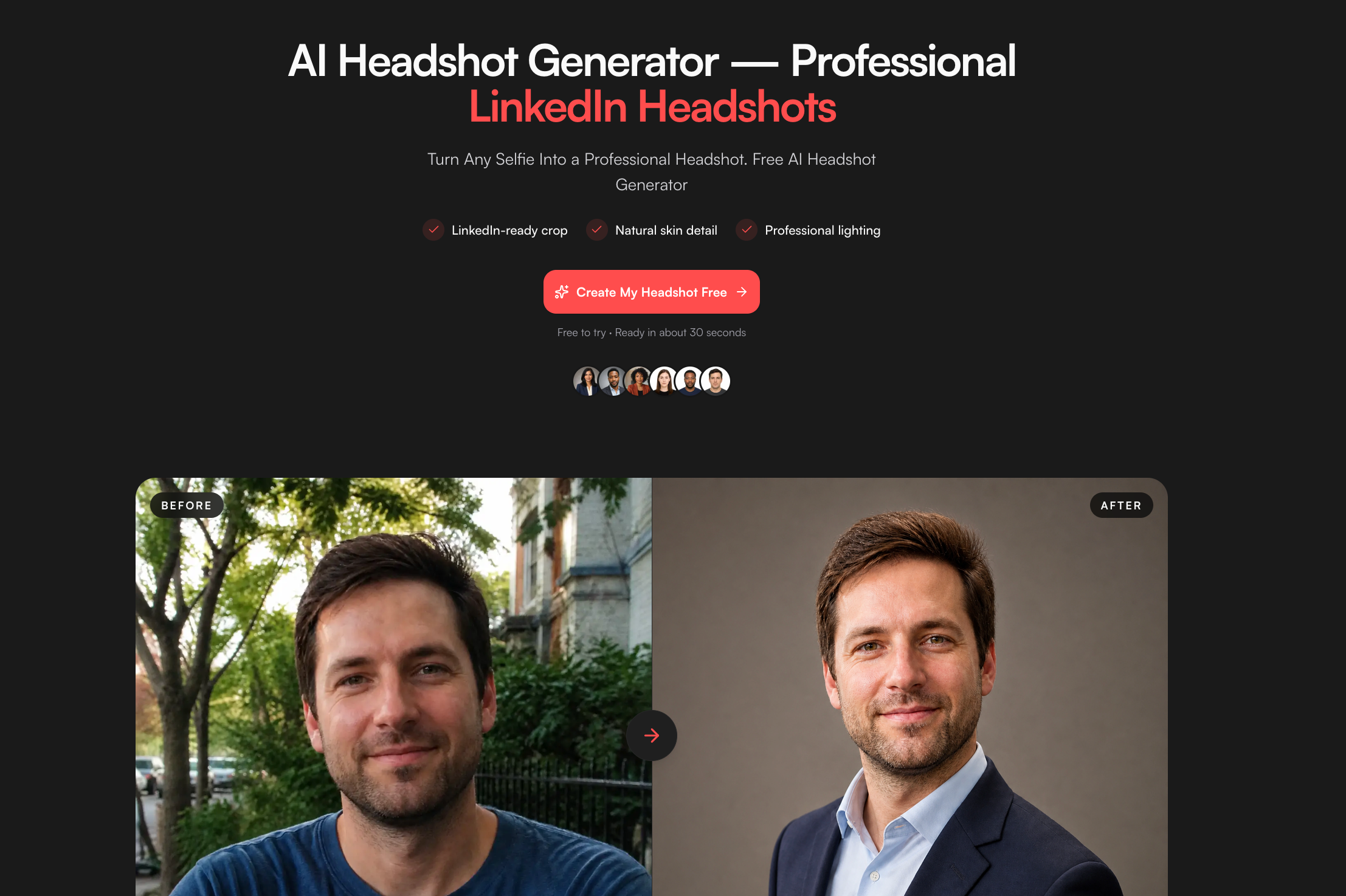
Open the LinkedIn headshot generator. Upload one clear, well-lit selfie (JPG, PNG, or WebP) with your full face visible. Choose an executive, modern, or creative direction, generate, then edit the prompt if wardrobe, background, or lighting is off. The prompts are built to keep a recognizable identity while improving lighting and LinkedIn-ready head-and-shoulders framing — not to mint an AI avatar.
Limited guest image generation works without a credit card. When you need more runs, AI Chat plans include image generation with broader allowances.
How to use it in three beats:
- Upload one sharp selfie — natural expression, even light, no heavy filters.
- Choose executive, modern, or creative, then generate.
- Download and check the file at roughly LinkedIn's circular crop size before you upload to LinkedIn.
Pick this when you do not want to bank 6–50 photos at a specialist vendor and you want a result before you pay for a batch.
HeadshotPro: cheapest dedicated batch
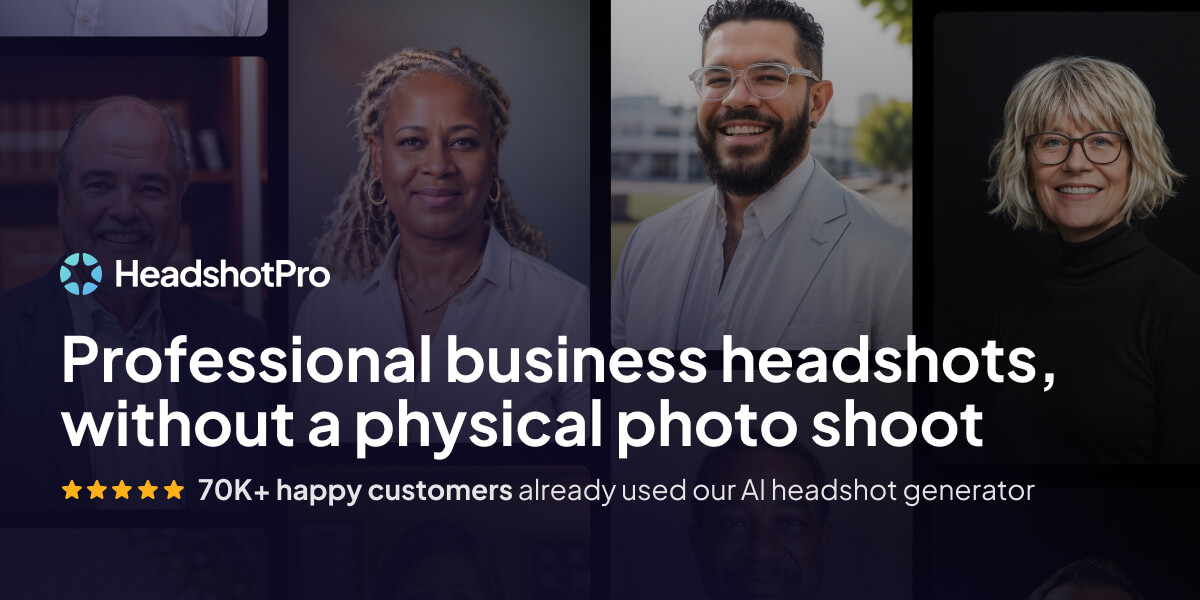
Basic is $29 for about 30 headshots in around two hours from 1–3 selfies. Professional is $39 for 50 headshots in about 30 minutes with a free redo. Executive is $59 for 70 headshots in about 15 minutes, 4K, and a free redo. Pricing is one-time.
Privacy language is unusually concrete: uploads and results auto-delete after 30 days, download links last 7 days, photos are not used to train models, and you keep commercial rights. If you need a stated deletion clock, this is the cleanest dedicated vendor in the set.
Aragon AI: most output per dollar

Basic is $35 for 40 headshots in 45 minutes, Standard $45 for 60 in 30 minutes, Executive $75 for up to 100 in 15 minutes. It wants six clear selfies. The vendor states AES-256, account/data deletion, and commercial use. Exact retention was not on the pricing page checked — treat deletion as a process you run, not a 30-day timer. Pick Aragon when you already have six usable photos and care more about gallery size than a published auto-delete date.
BetterPic: free tier, then paid packs
BetterPic starts free (up to about 10 outputs, queued), then paid packs around $35, $39, and $79. Expect roughly eight reference photos. The vendor states 4K on all plans, EU/US storage, SOC 2 Type II, ISO 27001, and session-only training. A precise deletion window was not on the page checked. Use it for a no-card sample before you buy — and do not confuse session-only training with day-30 deletion.
Secta Labs: most input, most variety

Secta's public offer sits around $49 one-time (shown discounted from $99), with 90+ styles, Remix editing, and a 30-day money-back window. It wants 20–50 photos and returns a gallery in 30–60 minutes. Vendor pages disagree on portrait counts — skip the number and judge styles, Remix, and refund terms. Fits a large selfie dump when you want variety over a one-selfie path.
What the Roundups Skip: Deletion, Training, and Redo
Deletion window is the real privacy spec. Of the dedicated vendors checked, only HeadshotPro states a concrete 30-day auto-delete. Aragon and BetterPic talk about controls and certifications; those do not replace a published timer. MyClaw guest tries need no card. The product page does not publish a deletion timer for uploads or outputs — do not invent one.
"We don't train on your photos" and "we train a private model on your photos" are different sentences. Read the one on the checkout page.
Redo and refund are plan features, not universal rights. HeadshotPro's free redo sits on higher tiers. Secta's money-back is 30 days. On MyClaw you regenerate by editing the prompt or direction.
The practical failure is not a blurry file. It is a sharp portrait of someone who is almost you. Re-check every tool — MyClaw included — at the circular crop before LinkedIn sees it.
Input quality drives that miss more than the brand on the button. How reference photos shape image models is the same lesson in the GPT Image 2 guide: weak selfie in, almost-you out.
What Makes the Photo Work at 400 Pixels
LinkedIn displays a small circular crop. Detail loses to readability: face fills the frame, eyes visible, plain background, current appearance, workplace-appropriate clothing.
One verified engagement figure from LinkedIn's own sales materials: profiles with a photo are 14× more likely to be viewed and get a 40% higher InMail response rate. Drop the circulating 21× / 9× / 36× claims — they do not appear on LinkedIn-owned pages we could verify.
When to skip AI entirely: a recent, well-lit phone photo against a plain wall costs nothing and cannot fail the likeness test. Use a generator when lighting, wardrobe, or framing is broken — not when the face itself needs replacing.
After any download, open the file at roughly 400px circle size. If it still looks like you, it is ready. If it only looks good full-screen, it is not a LinkedIn photo yet.
For passports and other official likeness gates, use the passport photo guide.
Final Verdict
$29–$49 buys a usable LinkedIn headshot from dedicated vendors when you are ready to upload a batch. MyClaw is the low-friction starting point when you have one selfie and want a free try before you commit. Pick on uploads and deletion terms, then apply the only rule that matters: it has to still be your face at 400 pixels.
Upload once, check the crop, then ship the photo. Keep the rest of the profile honest — headline, experience, and photo should describe the same person. If you need other specialized image scenes later, start from the Image Generator hub.
Skip the Setup, Run Best-in-Class AI Agents Now
Launch a managed OpenClaw or Hermes Agent workspace in minutes, with always-on hosting, updates, and support handled by MyClaw.