
Julius AI Review: Features, Credits and Similar Tools in 2026

By Nathan Cole
MyClaw Editorial
MyClaw
Run Best-in-Class AI Agents Now
Run OpenClaw or Hermes Agent on managed MyClaw hosting, so your AI agent stays online, updated, and ready for real work.
AI Takeaway
- Is Julius AI still a data analysis tool? Yes. Chat-based analysis of spreadsheets and databases remains the core, but the Julius pricing page, as checked on Oct 22, 2026, adds slide decks, reports, dashboards, web pages, images and video to that same workspace.
- How much does Julius AI cost? The Free plan runs on a daily credit allowance, and Plus is priced at $20 monthly, or $16 monthly on a yearly bill (Julius plans page, Oct 22, 2026). Business and Enterprise are listed without a public price.
- What changed in 2026? Julius moved paid plans from message limits to monthly credits by Mar 28, added a Browser Agent in July, retired Notebooks on Aug 19 and gave Julius Sites custom subdomains in late August (Julius announcements).
- Which tools are similar to Julius AI? ChatGPT, Hex, Quadratic and Powerdrill Bloom cover the same ground from different directions: a general assistant, a notebook platform, a code-friendly spreadsheet and an agent-style file analyst.
What Julius AI Does in 2026
Julius made its name by letting you drop in a CSV or Excel file, type what you want to know in everyday language and receive a chart, with the Python behind it open for checking. That loop is still the core. You can upload files, connect Google Drive, OneDrive or SharePoint, or point Julius at a warehouse. The vendor lists native connections to Snowflake, BigQuery, MySQL, PostgreSQL and SQL Server (Julius plans page, Oct 22, 2026).
For large databases, Julius maps your schema into what it calls a semantic layer, so each question only touches the relevant tables. You can also filter schemas by hand or upload a data dictionary. That focus on structured data is what separates it from general chat assistants, a gap our OpenClaw and ChatGPT breakdown explores from the agent side.

The bigger shift is scope. Julius now markets a single workspace for analysis and creation. One chat can turn findings into a slide deck (PPTX, PDF, PNG or Google Slides export), a shareable dashboard, a small website, an image or a short video. Every plan, including Free, can use these creation tools, limited by credits. Paid plans also get frontier models from leading AI labs, while Free uses lighter Julius Lite models.
Julius AI Pricing, Credits and Limits
The pricing page showed four plans when we checked on Oct 22, 2026. Every figure in this table comes from Julius.
| Plan | Price | What stands out |
|---|---|---|
| Free | $0 | Julius Lite models, daily credit allowance, creation tools included |
| Plus | $20 monthly; $16 monthly on annual billing | 16 GB of RAM, 7-day file storage, data connectors with no table limit, teammate invites, sites on a custom Julius domain |
| Business | Not listed | Self-serve plan for smaller or newer teams |
| Enterprise | Not listed | Permanent file storage, SSO, audit logs, finer role controls |
Julius lists SOC 2 Type II plus two-factor sign-in across the board.
Heavier tasks burn more credits. When Julius announced the switch from messages to credits in early 2026, it said Plus would include 2,000 monthly credits, while Business ($450 monthly at the time) would include 45,000 (Julius billing note, early 2026). The company also predicted that fewer than 5% of users would exceed their monthly limits. Those allowances may have changed since, and the current page does not repeat them, so check your account before committing.
The main practical limit for most users is storage. Below Enterprise, uploaded files are kept for seven days, so recurring analysis means re-uploading or relying on a live connector. If you plan to automate the reporting side, our workflow automation software roundup explains how such tools fit next to an analyst app.
What Changed Recently

This year's main updates, dated from Julius's own posts:
- Credits replace messages (by Mar 28, 2026): paid users were moved to credit-based billing at the same plan prices.
- Browser Agent (Jul 13, 2026): built with Browserbase, it lets Julius open browser sessions and act on websites, for example gathering leads or checking a site.
- Notebooks retired (Aug 19, 2026): Julius sunset its step-by-step Notebooks and now asks users to paste the same instructions into one detailed chat prompt. Existing notebooks can be exported by emailing the team.
- Sites subdomains and Patch tool (Aug 25, 2026): published sites can use custom subdomains, and a Patch tool edits parts of an artifact without rewriting all of it, which Julius says saves credits.
The Notebooks change matters most if you built repeatable workflows in Julius. Single prompts work well with current models, but you lose a saved, step-by-step recipe. Teams that rely on research notes alongside data may also like our NotebookLM alternatives list.
Julius AI Strengths and Weak Points
We compared Julius with its published features and pricing, not with hands-on benchmarks, so treat this as a summary of what the vendor offers.
Pros: Julius AI
- Plain-English questions on files and warehouses, with code you can inspect.
- Analysis, decks, dashboards and sites live in one workspace.
- A free plan and a low Plus price make it easy to try.
Cons: Julius AI
- Files expire after seven days on every plan except Enterprise.
- Each task draws a different number of credits, so monthly spend is harder to predict.
- Notebooks are gone, which removes saved multi-step recipes.
Julius AI Similar Tools Worth a Look
Four tools sit close to Julius. We took every price from the maker's pricing page on Oct 22, 2026. For a longer comparison with a side-by-side table, see our full guide to Julius AI alternatives.
ChatGPT. Many people already pay for it, and its data analysis handles uploaded spreadsheets with charts and code inside a general assistant. Warehouse connectors and a schema layer like Julius's are missing.
Best for: quick, one-off analysis inside a tool you already use.
Hex. A notebook and data app platform for SQL and Python users, with an AI agent built in. Community costs nothing, Professional runs $36 for each editor monthly, and Team runs $75 for each editor monthly, adding scheduled runs and a 14-day trial.
Best for: data teams that want notebooks, governance and published apps.
Quadratic. A spreadsheet where cells can run Python, SQL or formulas, with AI help. Personal costs nothing; Pro runs $18 per seat monthly on annual billing and bundles $20 of AI credits each month; Business runs $36 per seat with $40 of credits.
Best for: analysts who think in spreadsheets but want code when needed.
Powerdrill Bloom. An agent-style workspace for Excel, CSV and PDF files that returns charts, summaries and slides. Free includes 1,000 daily credits and one scheduled task, and Pro is $13.27 a month billed yearly in the first year, then $199 a year.
Best for: the closest Julius-style experience with built-in scheduled tasks.

Who Should Use Julius AI
Julius suits analysts, marketers, founders and finance staff who want answers from data without writing code, and who like turning those answers into a deck or dashboard in the same place. It is a sensible first stop for a team that keeps data in Snowflake, BigQuery or Postgres and wants plain-English access on top.
Another tool may serve you better when you need long-term file storage without an Enterprise contract, strict cost control on heavy workloads, or a code-first environment your data team can version and review. In those cases a notebook platform or a spreadsheet with code may serve better. Ahead of any purchase, push one real dataset and your five most common questions through the Free plan and watch how many credits they use.
Handle Recurring Data Jobs With a MyClaw Agent
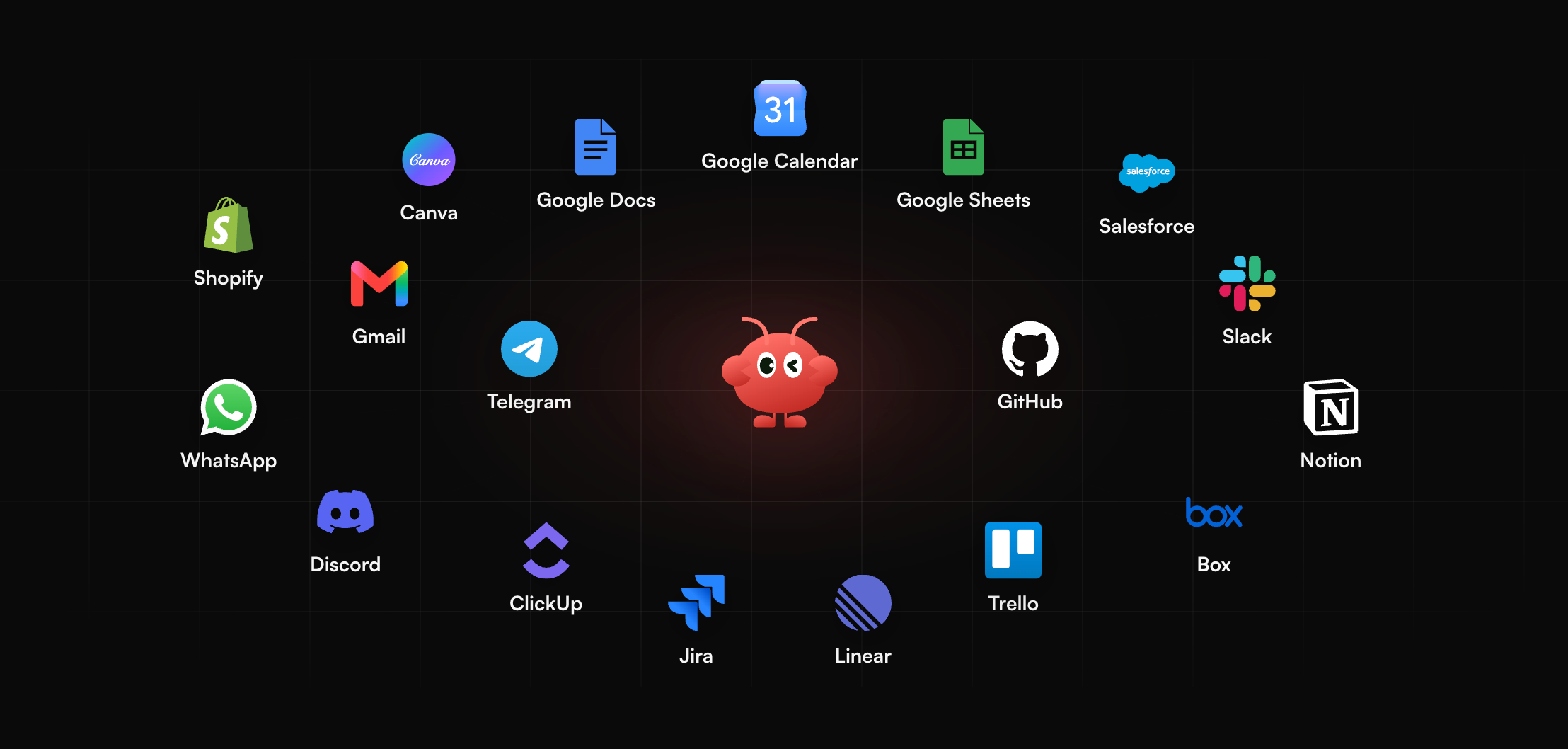
Some data work is not exploration at all. Think of a Monday report that never changes, a metric checked each morning, or a summary sent to the team after each sales week. MyClaw keeps an assistant online around the clock, running Hermes or OpenClaw. The model choice stays with you, as a platform that works with most popular models, while MyClaw covers hosting and upkeep. Getting it running takes three steps:
- Set up a MyClaw assistant and choose a chat app for talking to it.
- Connect the spreadsheets and drives involved, then describe the report in plain words.
- Check the first few runs, refine the instructions, and set the schedule.
Conclusion
Julius AI remains one of the simplest ways to question a spreadsheet or warehouse in plain English, and in 2026 it has grown into a broader workspace for decks, dashboards and sites. The move to credits, the end of Notebooks and seven-day storage below Enterprise are the trade-offs to weigh. If not, ChatGPT, Hex, Quadratic and Powerdrill Bloom each cover a different slice of the same job.
Skip the Setup, Run Best-in-Class AI Agents Now
Launch a managed OpenClaw or Hermes Agent workspace in minutes, with always-on hosting, updates, and support handled by MyClaw.