Sintra AI vs ChatGPT: Which One Suits Your Work in 2026?

By Nathan Cole
MyClaw Editorial
MyClaw
Run Best-in-Class AI Agents Now
Run OpenClaw or Hermes Agent on managed MyClaw hosting, so your AI agent stays online, updated, and ready for real work.
AI Takeaway
- Sintra AI or ChatGPT: which should I pick? ChatGPT suits anyone comfortable writing prompts and wanting one flexible tool, while Sintra suits non-technical owners who want ready-made role helpers and accept a 250-credit monthly cap (vendor pages, October 15 and 16, 2026).
- Which costs less to start? ChatGPT has a free tier before its $8 Go and $20 Plus plans, whereas Sintra's pricing page shows no free plan, just a sale from $15.60 monthly on its yearly bundle plus a 14-day money-back guarantee.
- Which does more without being asked? Sintra markets twelve role helpers as ready to work, while ChatGPT lists scheduled tasks on Go, Plus and Pro and an always-on agent, Dot, on Pro only.
- Which has friendlier refund terms? Sintra promises 14 days on web purchases but excludes credits and describes a narrower policy in its Terms, so read both before paying.
- Do I need either one? For recurring background work, MyClaw's hosted agents (OpenClaw or Hermes) are a separate category from both.
Sintra AI vs ChatGPT: The Short Answer
Choose ChatGPT if you can describe what you want and prefer one tool for writing, research, voice, images and coding. Choose Sintra if you would rather click a named helper, such as a social media or SEO specialist, and let stored brand context do the prompting. Neither is a clear winner for everyone, so the real question is who does the setup work: you or the product. A practical test is to run the same three tasks, such as a product description, a customer reply and a short research brief, in both tools and compare the drafts and the effort each one needed.
All figures are vendor-stated, taken from the vendors' own pages on the dates shown. For a deeper look at one side, read our Sintra AI reviews.
| Sintra AI | ChatGPT | |
|---|---|---|
| Approach | Twelve role-based helpers with shared Brain AI memory | One general assistant with projects, voice and custom GPTs |
| Entry price | Sale from $15.60 a month on 12-month bundle | $0 Free tier; $8 Go; $20 Plus |
| Free tier | None on the pricing page | Yes |
| Usage cap | 250 credits a month | Plan-based limits |
| Always-on option | Not listed | Dot, on Pro only |
| Refund route | 14 days, web purchases only | Per OpenAI help center |
How Each Tool Works Day to Day

Sintra's pricing page names twelve helpers. Cassie handles support replies, Soshie plans social posts, Penn writes ads and newsletters, Seomi drafts SEO pieces, Dexter crunches numbers, Buddy suggests strategy and Emmie builds email flows. Vizzy acts as a virtual assistant for scheduling and correspondence. Every helper ships one-click Use Cases, and Brain AI keeps your websites and files on hand so none of them starts from zero. Sintra also advertises over 100 languages, 15+ integrations and 24/7 support. Sintra's comparison page, which we saw only in search snippets, says ChatGPT "waits for prompts" while Sintra is "ready to execute". That is Sintra's own marketing, and we have not tested it.
ChatGPT's pricing page describes a single assistant that grows by tier. Voice, image creation, deep research, projects and memory appear across plans, and scheduled tasks are listed from Go upward. Plus adds custom GPTs and wider ChatGPT Work access, while Pro alone includes Dot, which OpenAI calls an always-on agent. Another matchup worth reading is Genspark versus ChatGPT.
Pricing Side by Side
On OpenAI's pages (October 15 and 16, 2026), ChatGPT Free costs nothing, Go costs $8 per month and may show ads, Plus costs $20 per month without annual billing, and Pro has three tiers: $100, $200 and $500. OpenAI's pricing FAQ (October 16) confirms monthly plans for Go and Plus. OpenAI also says Pro 200's included usage shrinks for non-grandfathered subscribers on October 29, 2026, while the $200 price stays.
Sintra's pricing page (October 16, 2026) runs a sale on its Sintra X bundle, which includes every helper. The 1-month plan reads $48.50 a month beside a struck-through $97. The 3-month plan reads $23.60 beside $59, and the 12-month plan reads $15.60 beside $52. A lone helper costs $39 monthly, and every bundle carries 250 credits per month.
Our own arithmetic: twelve months of Plus costs $240, while Sintra's 12-month rate would total $187.20 if charged upfront. Sintra does not state the checkout amount, so treat that figure as an estimate. The two products bundle different things, which makes this a price check rather than a verdict. Other assistants appear in our best personal assistant AI roundup.
Credits, Limits and Hidden Costs
Per Sintra's Terms (read October 15, 2026), the 250 credits reset each cycle, unused ones disappear, none can be refunded, and purchased top-ups are final. Once you run dry, certain features may pause until renewal. The pricing FAQ says only advanced actions need credits, yet the Terms describe them as covering everything from chat messages to site generation, so your real burn rate is hard to predict. Plans renew automatically at then-current rates, and promotional prices may hold only for the first term.
ChatGPT works differently. Its tiers carry usage limits rather than one credit pool, and OpenAI says purchased credits cover selected features only. Neither tool is free to scale, but ChatGPT lets you measure those limits on a free account first.
Refunds and Cancellation Compared
Sintra's refund page offers a full refund within 14 days of purchase. It applies to web checkout only, starts with an email request, gets a reply in one to two business days, and pays out in five to seven. The Terms, though, limit refunds to products shown to be defective or misdescribed. We could not reconcile the pages; both were read October 15, 2026.
OpenAI's help center says cancelling stops future renewals and that refund eligibility depends on where you bought and on applicable rights. We did not re-read that page today, so confirm it before paying.
Sintra AI vs ChatGPT Pros and Cons
Sintra Pros
- Ready-made role helpers with no setup.
- Shared Brain AI context.
Sintra Cons
- No free tier on the pricing page.
- 250 non-rolling credits and non-refundable top-ups.
- Refund wording differs between pages.
ChatGPT Pros
- Free tier, Go and Plus for modest budgets.
- Broad features: voice, research, projects, scheduled tasks.
ChatGPT Cons
- You write the prompts and set up the workflow.
- Dot sits on Pro only, and plan limits apply.
Who Should Choose Which
Pick Sintra if you are a non-technical founder who wants guided drafting across marketing and support and will watch the credit counter. Pick ChatGPT if you already prompt well, want to test for free first, or need coding and research. Published reviews point both ways, with some calling Sintra easier for beginners and others calling ChatGPT more capable. We have not tested either claim and quote no ratings, so treat the split as reviewer opinion only.
Three short scenarios show the split. A solo shop owner who needs weekly product descriptions, email flows and social posts, and who dislikes prompting, may find Sintra's helpers faster to start. A freelancer who already keeps a prompt file, researches daily and sometimes codes will likely get more from ChatGPT Plus. A founder worried about surprises may prefer ChatGPT's free tier first, because Sintra's pricing page offers no free plan, only the 14-day guarantee on web purchases.
Neither is built to keep working unattended on your own files and inbox. If that is your need, the difference between a chatbot and an agent matters, and our explainer on AI agents versus chatbots covers it.
A Hosted Alternative: MyClaw
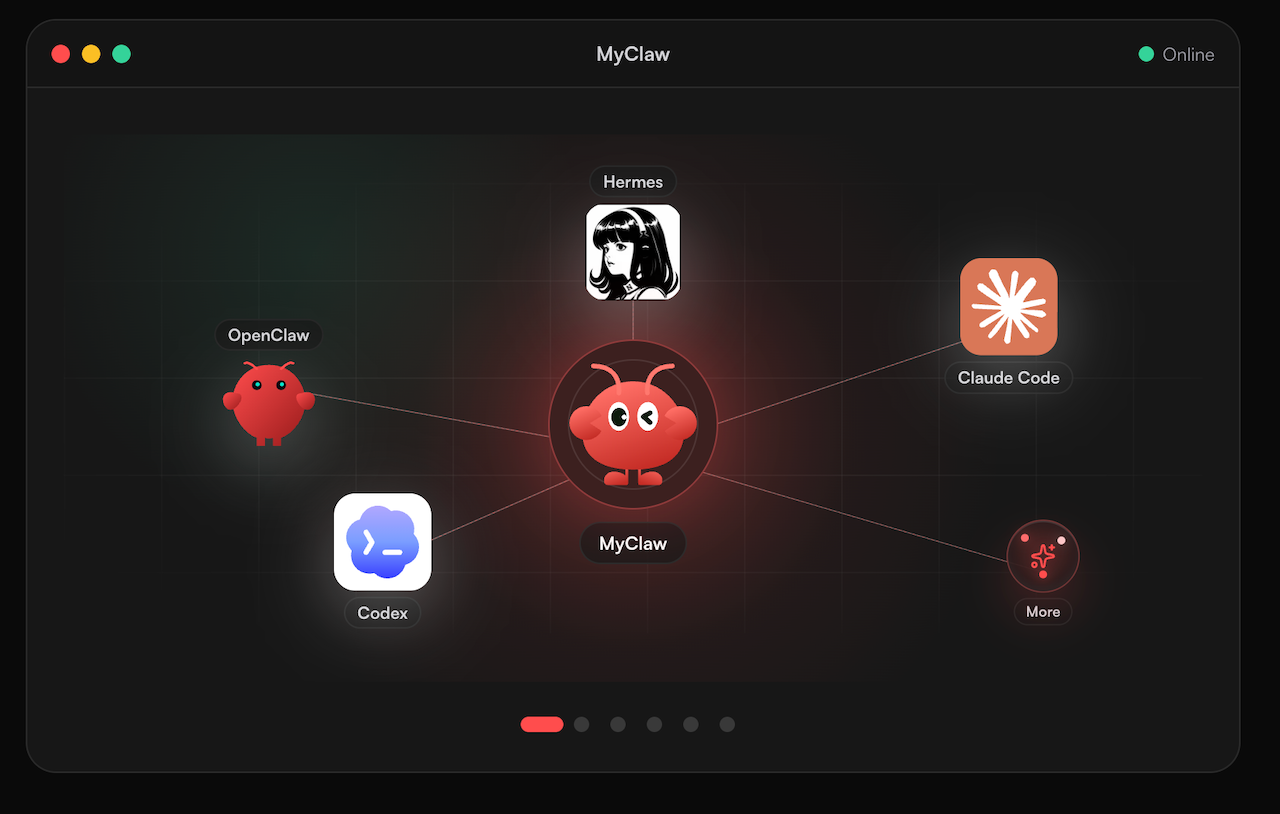
Should you prefer one agent instead of role helpers or a chat window. MyClaw takes a separate approach and is no straight replacement for either tool. MyClaw calls itself a managed platform for running agents on OpenClaw and Hermes Agent. They stay on around the clock, take requests by email, Telegram, WhatsApp or in the browser, and can use whichever documents, tools and records you give them. Its homepage mentions inbox triage and recurring reports (October 15, 2026). We give no prices and no cost comparison.
Pros
- Runs continuously, so scheduled work does not wait for you.
- Meets you in channels you already use.
Cons
- You decide and define every job.
- No ready-made role library is claimed.
- Launch a MyClaw agent with OpenClaw or Hermes as its base; what OpenClaw is explains the framework if it is new to you.
- Give it access to the folders and tools it needs, and remember to connect your chat app; results arrive there.
- Give it one repeating task, for instance a daily inbox summary, and review what comes back. The guide to Hermes Agent covers the alternative framework.
Skip the Setup, Run Best-in-Class AI Agents Now
Launch a managed OpenClaw or Hermes Agent workspace in minutes, with always-on hosting, updates, and support handled by MyClaw.